A broken laptop, years of data
A secondhand laptop bought at a King's Day market would not boot, but its hard drive still contained years of personal data.
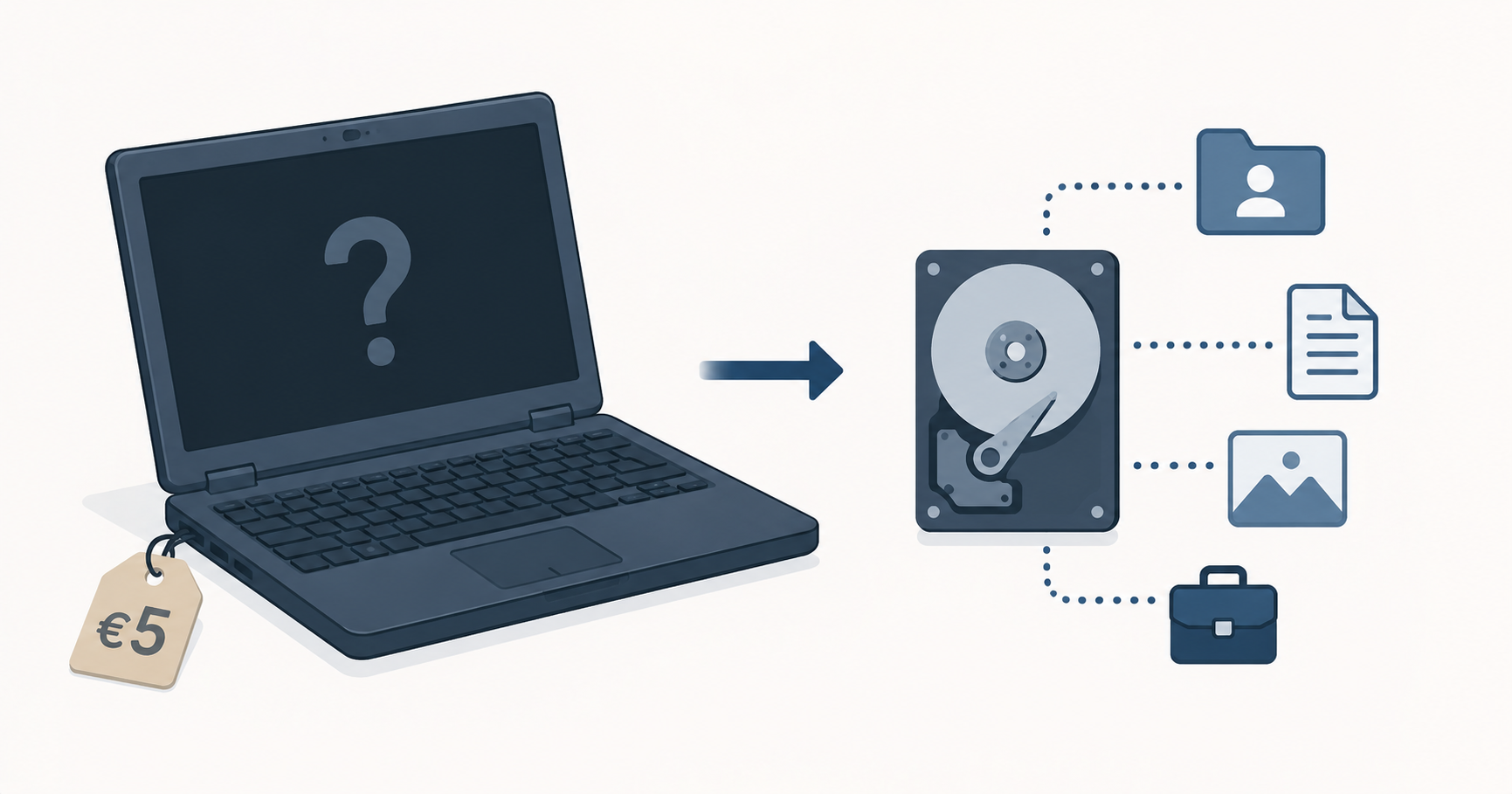
Once a year, we celebrateKing’s Day in the Netherlands. During the festivities, many people sell secondhand items at King’s Day markets (or “vrijmarkt)”. While visiting one of these markets, I noticed a seller offering several laptops.
One of the laptops was priced at five euros. When I asked whether it worked, the seller replied that it probably did. It seemed like an interesting device to examine, so I bought it.
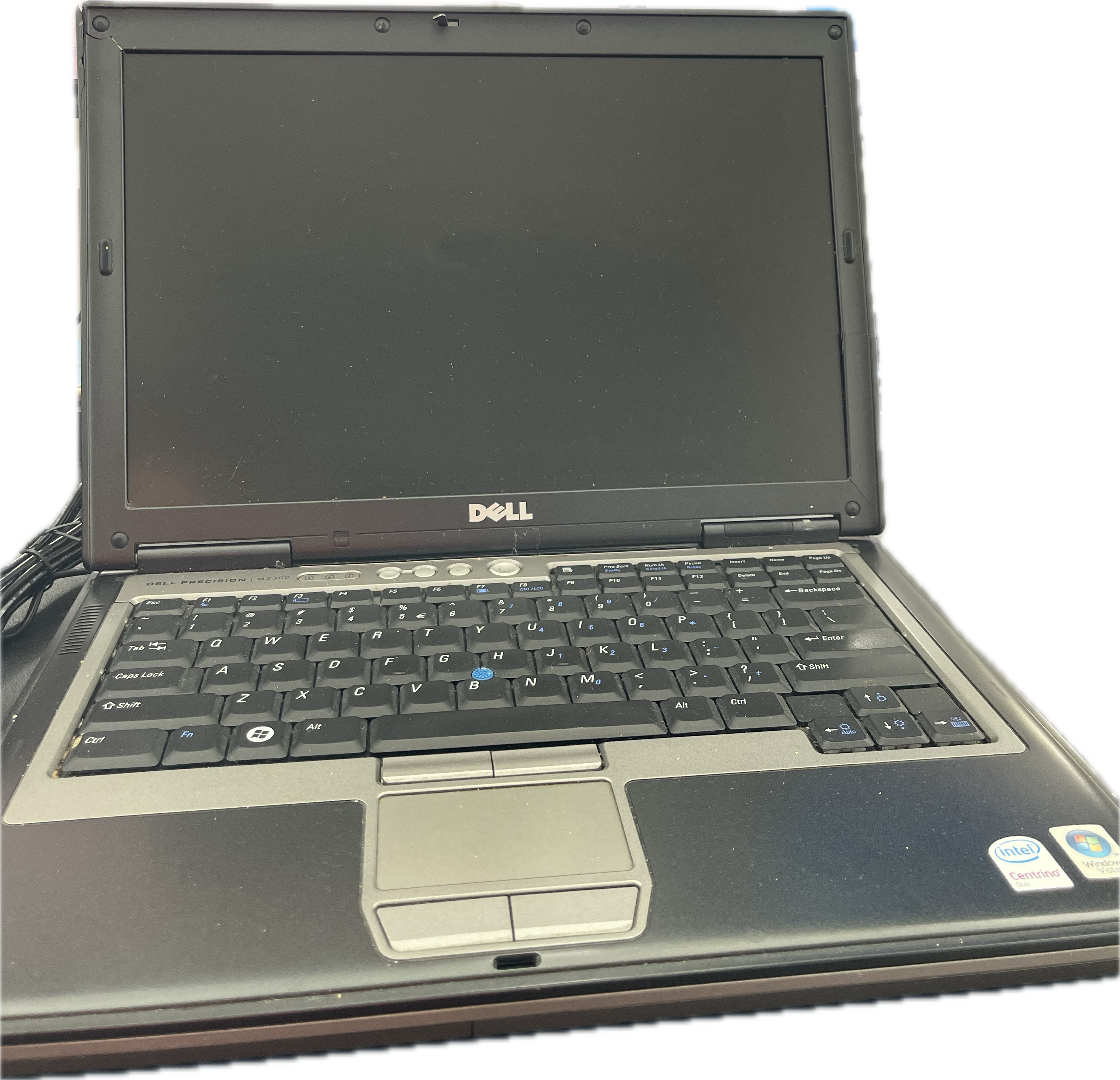 Fig.1 Laptop
Attempting to boot the laptop
After the laptop had been sitting on my to do list for a while, I decided to test it.
Normally, you would avoid booting a device before acquiring the data, as doing so may alter the data. In this case, I was mainly curious whether the laptop functioned at all.
The laptop did not respond when powered on. No LEDs illuminated and there were no signs of charging activity. After leaving it connected to power for some time, I tried again with the same result. The laptop appeared completely unresponsive.
Examining the hard drive
To determine whether any data remained on the device, I removed the hard drive from the laptop.
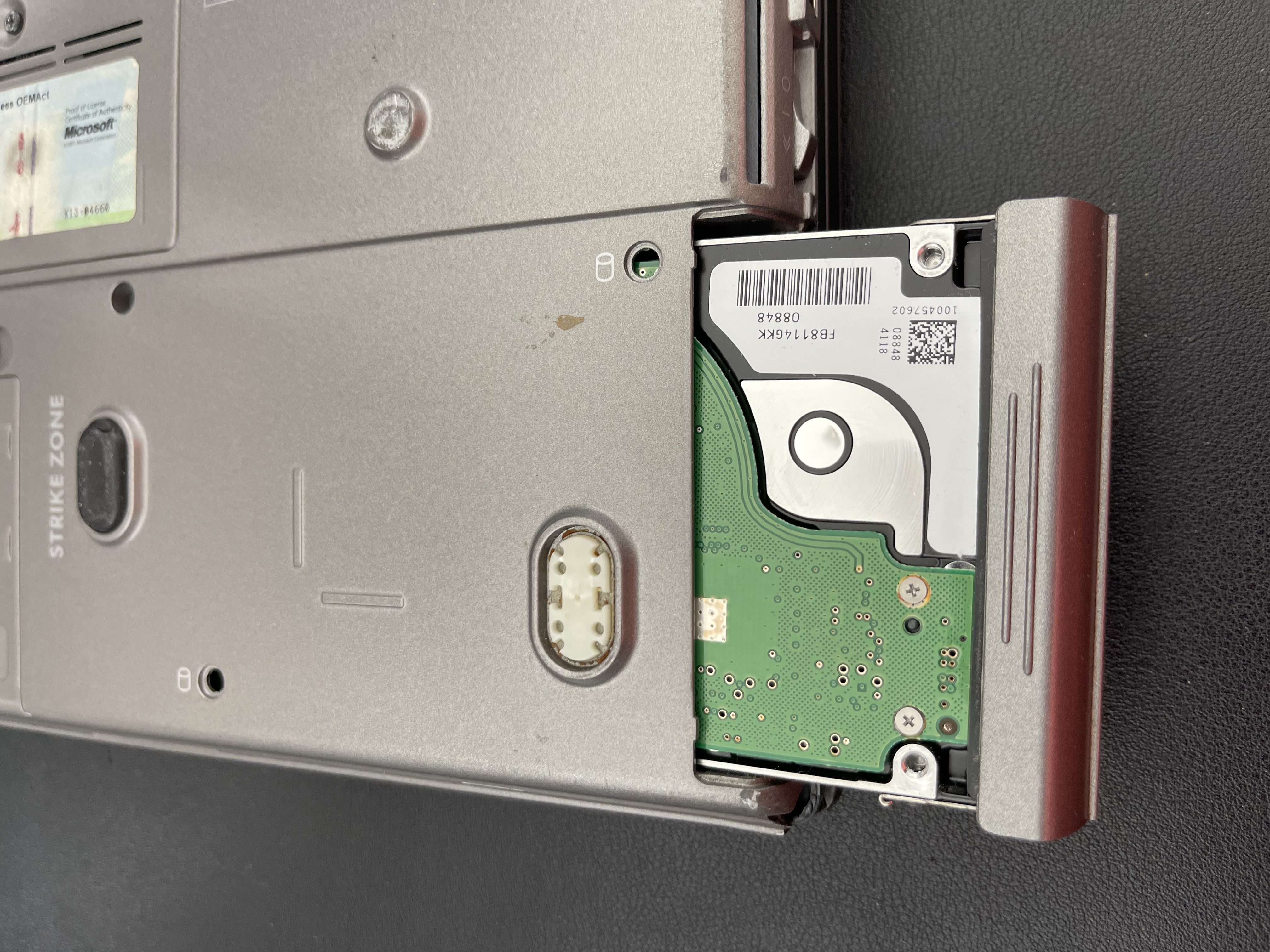 Fig.2 Disk in laptop
Ideally the drive would be examined through a write blocker to prevent any modification of the data. For this quick examination, I connected the drive to another computer using a SATA to USB adapter.
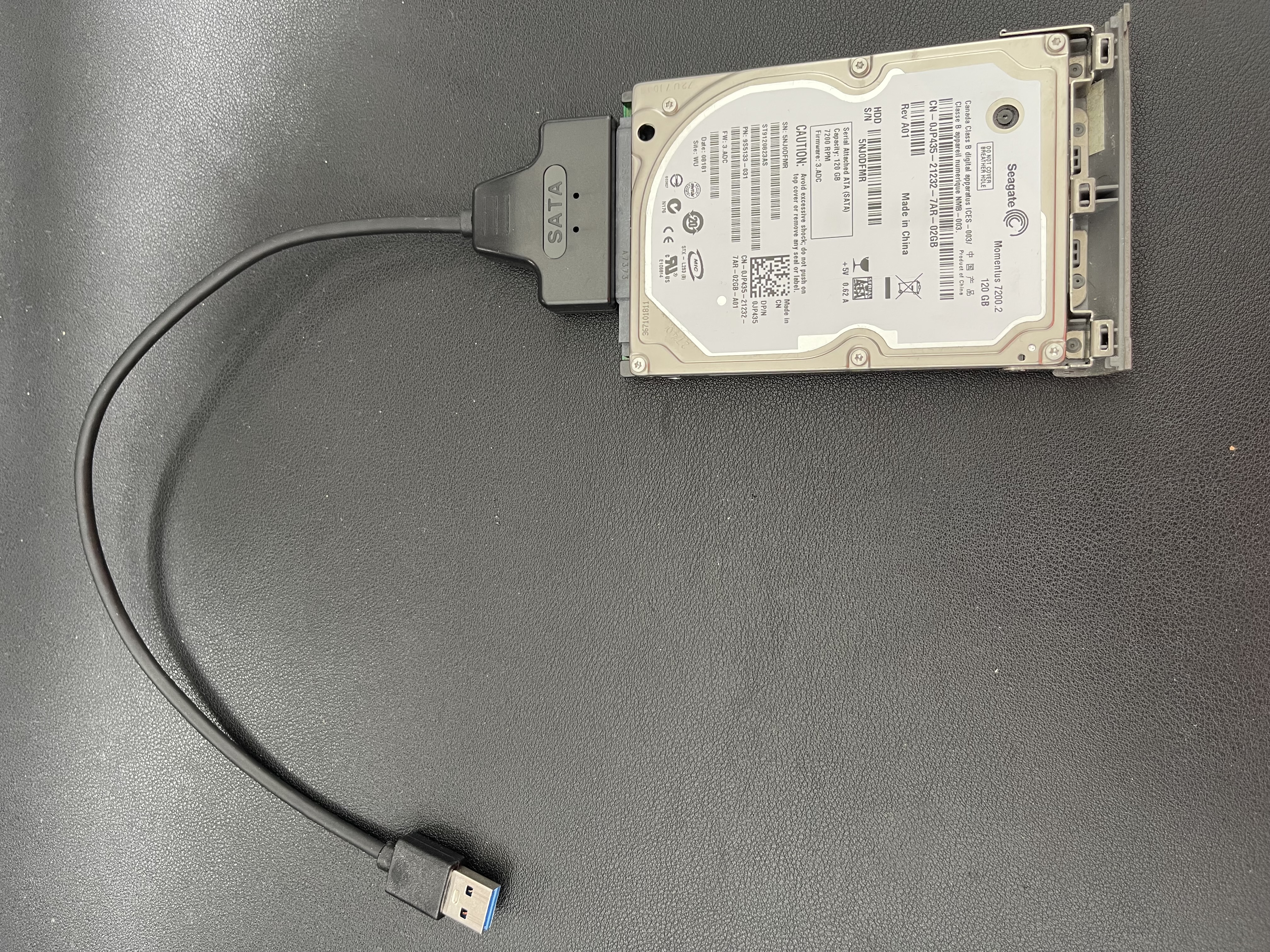 Fig.3 Disk with adapter
Initial analysis with FTK Imager
Creating an image of the disk and processing that image would have taken additional time. Since my initial goal was to determine whether the disk contained any data, I chose to perform a quick examination of the disk directly.
Using FTK Imager, I opened the drive and immediately found that it contained a significant amount of data, including both personal and work related files. The drive also contained orphan files files.
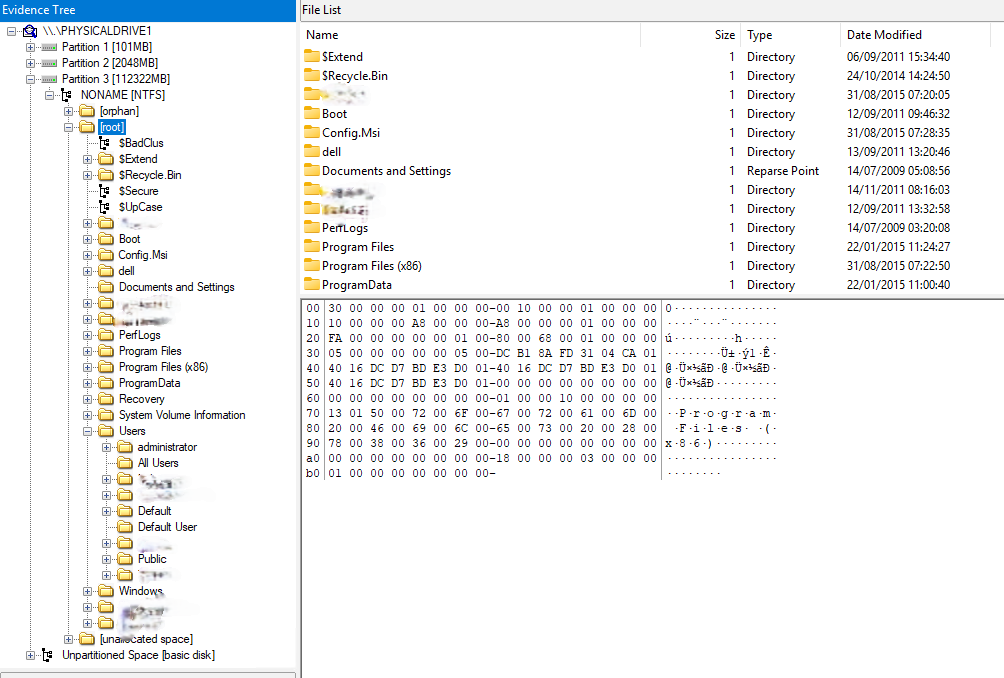 Fig.4 FTK
Based on the timestamps observed during the examination, the most recent activity appeared to date back to August 2015.
Recovering files from unallocated space
With the drive still attached, I used PhotoRec to examine the [unallocated space](https://www.sciencedirect.com/topics/computer-science/unallocated-space. This recovered additional files that were no longer referenced by the file system.
Many of the recovered files were operating system files, but the results also included personal photographs and other user generated content.
Conclusion
Although the laptop no longer appeared functional, the drive still contained a substantial amount of personal and work related information. The device had clearly not been cleaned before being sold.
While this may seem like an obvious example of improper disposal (second hand market, none IT person and a laptop not used since 2015), there have been many documented cases where discarded devices contained highly sensitive information.
In 2004 an public prosecutor placed his desktop with the household waste. The system was later recovered and provided to a journalist, who gained access to large amounts of confidential data.
More recently, in 2025, fifteen hard drives purchased at a flea market in Belgium were found to contain significant quantities of medical data.
When disposing of an old computer, it is important to either securely erase the drive or remove it entirely. Windows includes a reset option that allows users to remove all data and perform a more thorough cleanup of the device. When using this feature, select Clean data.
Because the laptop had not been used since 2015 and I did not want to examine the personal information further in an attempt to identify the owner, I decided not to continue the investigation. The drive was physically destroyed before disposal, no personal files were reviewed beyond what was necessary to determine that personal information was present (i.e. photo’s previews and filenames).