AirPods and the Apple Unified Log. Part 9. Closing the Charging Case
Investigating the Apple Unified Logging to find artefacts of connected Airpods. Part 9
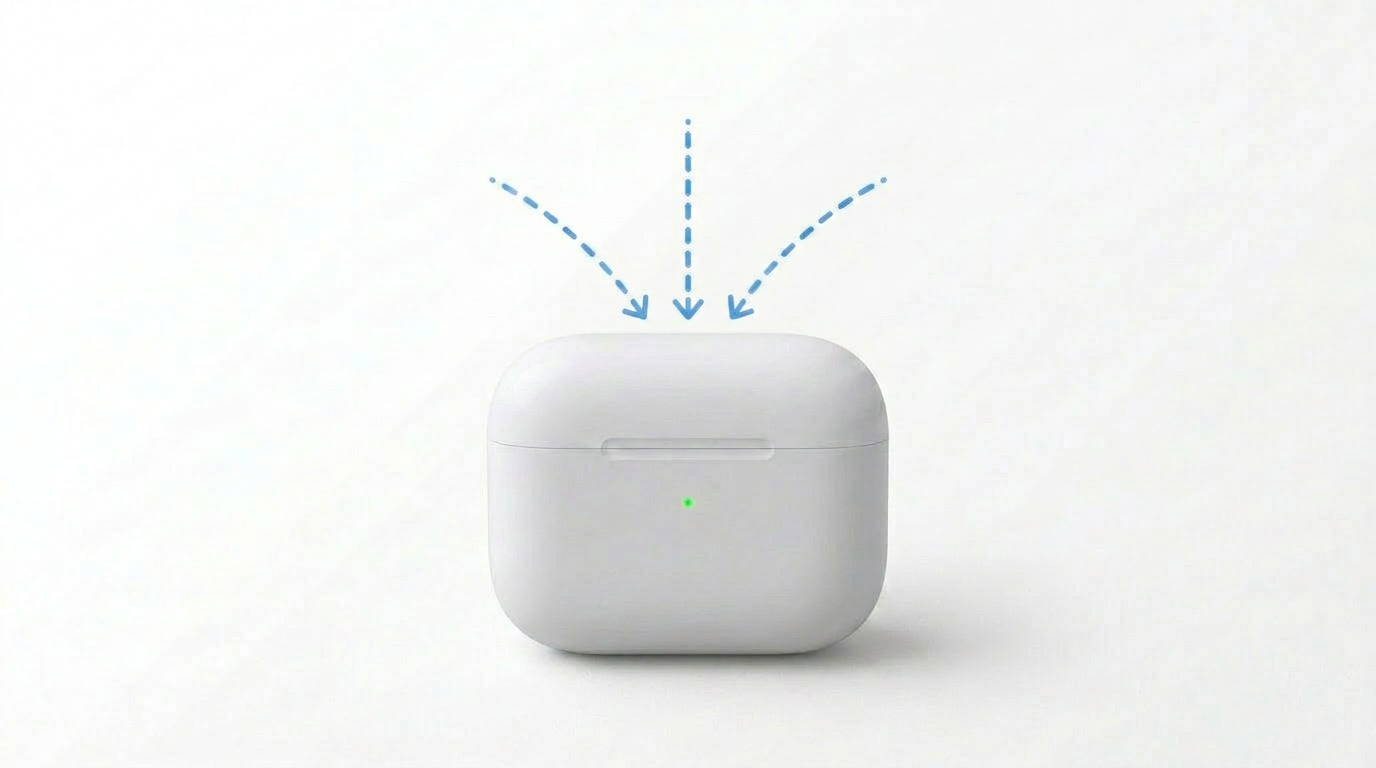
AirPods and the Apple Unified Log. Part 9. Closing the Charging Case
This post is the ninth in a serie that examines which AirPods related artefacts are recorded in the Apple Unified Log. This post focuses on closing the lid of the Charging Case, after the Airpods where returned into the Charging Case.
Charging Case closed
When closing the AirPods Charging Case there was a log entry from BTSmartRoutingDaemon that records that the lid was closed. This log also stated that none of the Airpods where detected in ear. Both Airpods where logged as InCase.
1
2026-06-29 16:19:18.790245+0200 0x3cef7    Default     0x0                  1539   0    audioaccessoryd: (CoreUtils) [com.apple.bluetooth:BTSmartRoutingDaemon] Nearby Wx device F4CF7039-6E99-F1D6-DF03-77A730FB317B changed, name AirPods Pro, addr B8:81:FA:11:FF:AB, UTP yes, sourceCount 1, audioState Idle, lastRoute cabfd7, zeroLastRoute cabfd7, oneLastRoute cabfd7, lidClosed yes, primaryInEar no, secondaryInEar no, primaryInCase yes, secondaryInCase yes, battery Left 1.000000, battery right 0.940000, battery main 0.000000
Lid closed
The SRDiscoveredDevice logs the closed lid from no to yes.
1
2026-06-29 16:19:18.791016+0200 0x3cef7    Default     0x0                  1539   0    audioaccessoryd: (CoreUtils) [com.apple.bluetooth:SRDiscoveredDevice] Setting nearbyLidClosed B8:81:FA:11:FF:AB no -> yes
Overview of the articles
- Part 1. Introduction and methodology
- Part 2. Opening the Charging Case
- Part 3. Detecting AirPods removed and inserted into the ear
- Part 4. Closing the Charging Case
- Part 5. Media play event
- Part 6. Media pause events
- Part 7. Detecting AirPods removed from the ears
- Part 8. Detecting AirPods returned to the Charging Case
- Part 9. Closing the Charging Case
- Part 10. Conclusion
This post is licensed under CC BY 4.0 by the author.