AirPods and the Apple Unified Log. Part 7. Detecting AirPods removed from the ears
Investigating the Apple Unified Logging to find artefacts of connected Airpods. Part 7.
AirPods and the Apple Unified Log. Part 7. Detecting AirPods removed from the ears
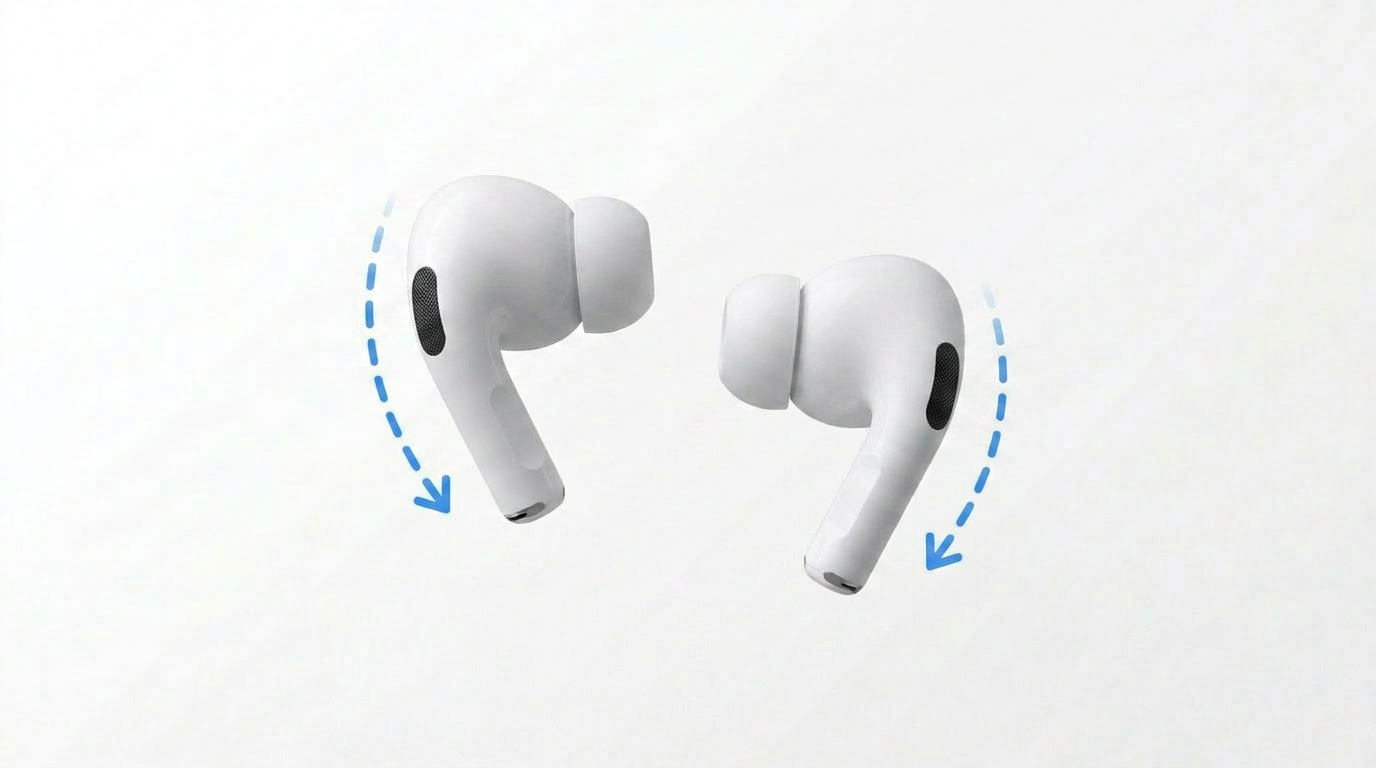
This post is the seventh in a serie that examines which AirPods related artefacts are recorded in the Apple Unified Log. This post focuses on removing both Airpods from the ears.
Removing the AirPods from the ears
When removing the AirPods the logged state of the Airpods changed.
Right AirPod out of Ear
When the first Airpod, the right, was removed, the status for that Airpod was logged as out of ear.
1
2026-06-29 16:19:16.341441+0200 0x3ce62    Default     0x0                  97     0    bluetoothd: [com.apple.bluetooth:Server.AACP] received in-ear state update from device B8:81:FA:11:FF:AB primary bud state = out of ear, secondary bud state = in ear
1
2
3
2026-06-29 16:19:16.349588+0200 0x69d      Default     0x0                  74     0    sharingd: (CoreUtils) [com.apple.CoreUtils:CUBluetoothClient] [Sharing-CA] Placement changed: CUBluetoothDevice B8:81:FA:11:FF:AB, ID 'f4cf7039-6e99-f1d6-df03-77a730fb317b', 'AirPods Pro', Mfg 'Apple Inc', Md A1602, PID 0x200E, VrI 0xD415, DT 20, FV '6F21', CnS 0x180019, PriP OutOfEar, 2ndP InEar, MagicPaired, AACP, Color 0 (White), DF 0xAB < ShareAudio AACP SoftwareVolume Tipi InEarDetect >, P InEar -> OutOfEar, S InEar -> InEar

2026-06-29 16:19:16.351433+0200 0x3cc69    Default     0x0                  1539   0    audioaccessoryd: (CoreUtils) [com.apple.bluetooth:BTSmartRoutingDaemon] SmartRouting CONNECTED STATE shows inEar: yes for device B8:81:FA:11:FF:AB primary:OutOfEar secondary:InEar
UsageSummaryManager
The AudioAccessory subsytem logged the new state to SingleBud.
1
2026-06-29 16:19:16.356310+0200 0x3cc6a    Default     0x0                  1539   0    audioaccessoryd: (CoreUtils) [com.apple.AudioAccessory:AAAccessoryUsageSummaryManager] UpdateInEarState: OldBudState BothBuds newBudState SingleBud secondsSinceOldBudState 11s singleBudDuration 10m bothBudsDuration 0m force no
Left AirPod out of Ear
After removing the second Airpod, the left, also this was logged as OutOfEar.
1
2026-06-29 16:19:16.416318+0200 0x3ce85    Default     0x0                  97     0    bluetoothd: [com.apple.bluetooth:Server.AACP] received in-ear state update from device B8:81:FA:11:FF:AB primary bud state = out of ear, secondary bud state = out of ear
1
2
3
2026-06-29 16:19:16.429216+0200 0x3cc69    Default     0x0                  1539   0    audioaccessoryd: (CoreUtils) [com.apple.bluetooth:BTSmartRoutingDaemon] SmartRouting CONNECTED STATE shows inEar: no for device B8:81:FA:11:FF:AB primary:OutOfEar secondary:OutOfEar

2026-06-29 16:19:16.434195+0200 0x69d      Default     0x0                  74     0    sharingd: (CoreUtils) [com.apple.CoreUtils:CUBluetoothClient] [Sharing-CA] Placement changed: CUBluetoothDevice B8:81:FA:11:FF:AB, ID 'f4cf7039-6e99-f1d6-df03-77a730fb317b', 'AirPods Pro', Mfg 'Apple Inc', Md A1602, PID 0x200E, VrI 0xD415, DT 20, FV '6F21', CnS 0x180019, PriP OutOfEar, 2ndP OutOfEar, MagicPaired, AACP, Color 0 (White), DF 0xAB < ShareAudio AACP SoftwareVolume Tipi InEarDetect >, P OutOfEar -> OutOfEar, S InEar -> OutOfEar
Both AirPod out of ear
With both the Airpods removed, the BudState changed to invalid. The singleBudDuration is recorded as 10m.
1
2026-06-29 16:19:16.440329+0200 0x3cba1    Default     0x0                  1539   0    audioaccessoryd: (CoreUtils) [com.apple.AudioAccessory:AAAccessoryUsageSummaryManager] UpdateInEarState: OldBudState SingleBud newBudState Invalid secondsSinceOldBudState 0s singleBudDuration 10m bothBudsDuration 0m force no
The CoreUtils recorded both as OutOfEar.
1
2026-06-29 16:19:16.434195+0200 0x69d      Default     0x0                  74     0    sharingd: (CoreUtils) [com.apple.CoreUtils:CUBluetoothClient] [Sharing-CA] Placement changed: CUBluetoothDevice B8:81:FA:11:FF:AB, ID 'f4cf7039-6e99-f1d6-df03-77a730fb317b', 'AirPods Pro', Mfg 'Apple Inc', Md A1602, PID 0x200E, VrI 0xD415, DT 20, FV '6F21', CnS 0x180019, PriP OutOfEar, 2ndP OutOfEar, MagicPaired, AACP, Color 0 (White), DF 0xAB < ShareAudio AACP SoftwareVolume Tipi InEarDetect >, P OutOfEar -> OutOfEar, S InEar -> OutOfEar
Overview of the articles
- Part 1. Introduction and methodology
- Part 2. Opening the Charging Case
- Part 3. Detecting AirPods removed and inserted into the ear
- Part 4. Closing the Charging Case
- Part 5. Media play event
- Part 6. Media pause events
- Part 7. Detecting AirPods removed from the ears
- Part 8. Detecting AirPods returned to the Charging Case
- Part 9. Closing the Charging Case
- Part 10. Conclusion
This post is licensed under CC BY 4.0 by the author.